
Episode 2 of the series MCP Explained
Build your first MCP server in Python and TypeScript
6 min read

In episode 1 you learned what the Model Context Protocol is: a host (like Claude) runs a client for every server, and servers offer tools, resources and prompts. Now it is time to build one.
In this episode of MCP Explained you will write a small weather server with a single tool, in Python and in TypeScript side by side, run it over stdio, test it by hand, connect it to Claude, and give it a first resource. It takes about twenty lines in each language.
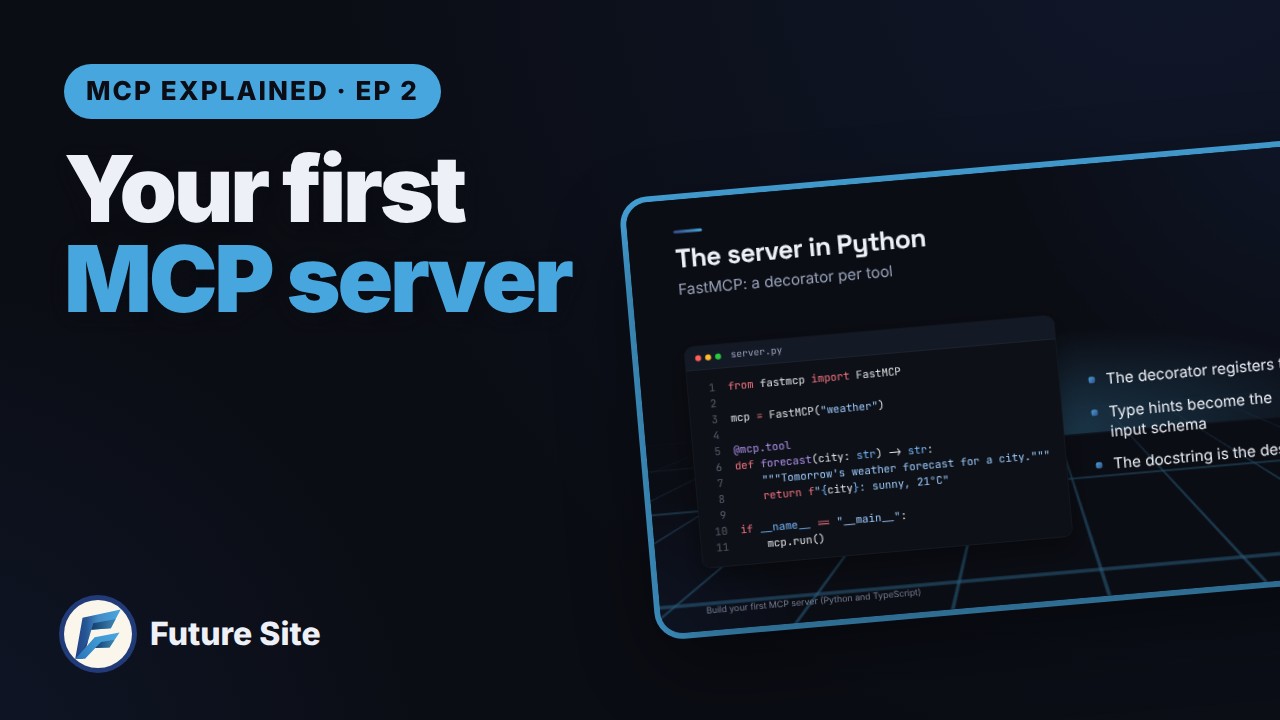
What we will build
A server called weather with one tool, forecast(city), that returns tomorrow's forecast for a city. It returns a fixed string for now: the point is the MCP plumbing, not the weather data. Once the plumbing works, swapping the string for a real API call is a five-minute job.
The steps:
- Write the tool, in Python and in TypeScript.
- Run the server over stdio, so the client starts it as a local process.
- Test it in the MCP Inspector.
- Connect it to Claude Code and Claude Desktop.
- Add a resource.
Set up the project
In Python, the easiest way in is FastMCP, which handles the protocol for you. With uv:
uv init weather
cd weather
uv add fastmcp
In TypeScript, use the official SDK plus Zod, which describes the tool's inputs:
mkdir weather && cd weather
npm init -y
npm i @modelcontextprotocol/sdk zod
npm i -D typescript @types/node
The server in Python
Here is the whole server:
from fastmcp import FastMCP

mcp = FastMCP("weather")

@mcp.tool
def forecast(city: str) -> str:
    """Tomorrow's weather forecast for a city."""
    return f"{city}: sunny, 21°C"

if __name__ == "__main__":
    mcp.run()
Three things happen here:
@mcp.toolregisters a normal Python function as a tool.- The type hints (
city: str) become the tool's input schema. - The docstring becomes the tool's description, the text the model reads to decide when to use it.
mcp.run() starts the server. By default it talks over stdio: JSON messages on standard input and output.
The same server in TypeScript
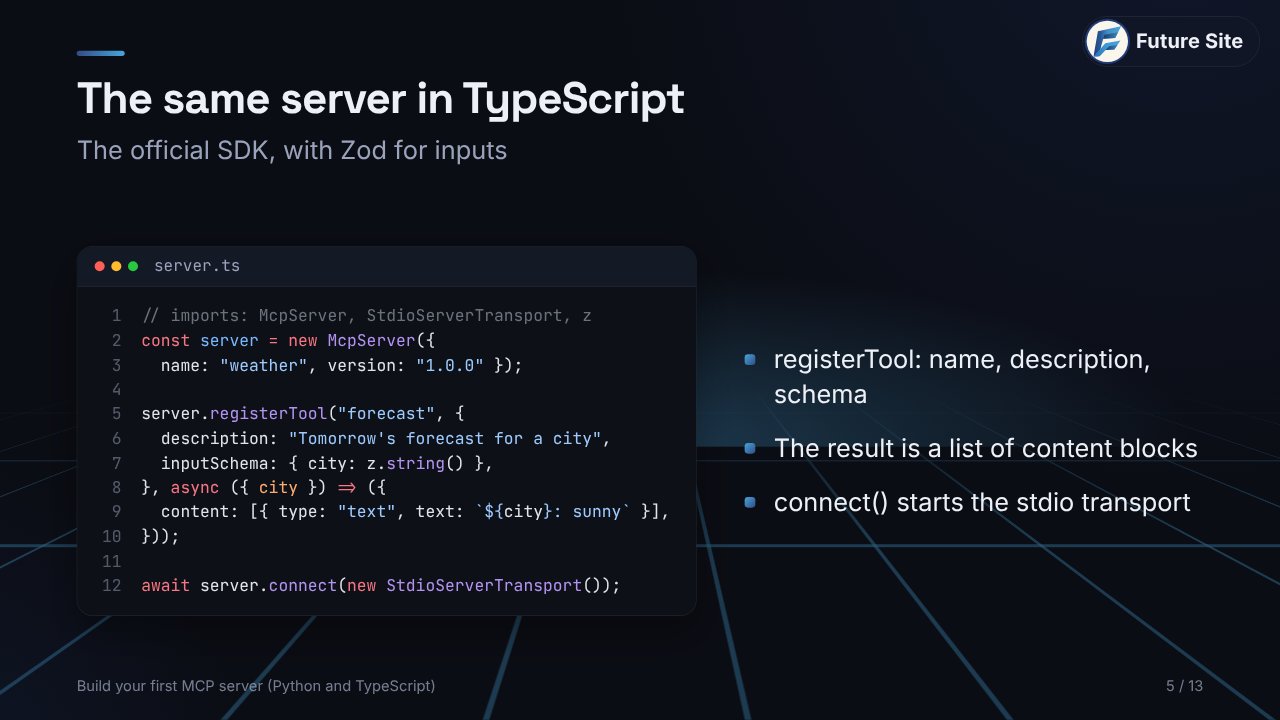
import { McpServer } from "@modelcontextprotocol/sdk/server/mcp.js";
import { StdioServerTransport } from "@modelcontextprotocol/sdk/server/stdio.js";
import { z } from "zod";

const server = new McpServer({ name: "weather", version: "1.0.0" });

server.registerTool("forecast", {
  description: "Tomorrow's weather forecast for a city",
  inputSchema: { city: z.string() },
}, async ({ city }) => ({
  content: [{ type: "text", text: `${city}: sunny, 21°C` }],
}));

await server.connect(new StdioServerTransport());
registerTool takes the name, a description and a Zod schema. The handler returns a list of content blocks, here a single block of text. The last line connects the server to the stdio transport. Compile it with npx tsc (set "type": "module" in package.json so top-level await works).
Same three ideas, whatever the language
Both versions say exactly the same three things about the tool:
| Python (FastMCP) | TypeScript (SDK) | |
|---|---|---|
| Name | the function name | first argument of registerTool |
| Description | the docstring | description |
| Input schema | type hints | Zod schema |
The client receives all three as JSON Schema when it asks for the list of tools. Get the description right and the model will know when your tool is useful; get the schema right and it will know exactly what to send.
What happens over stdio
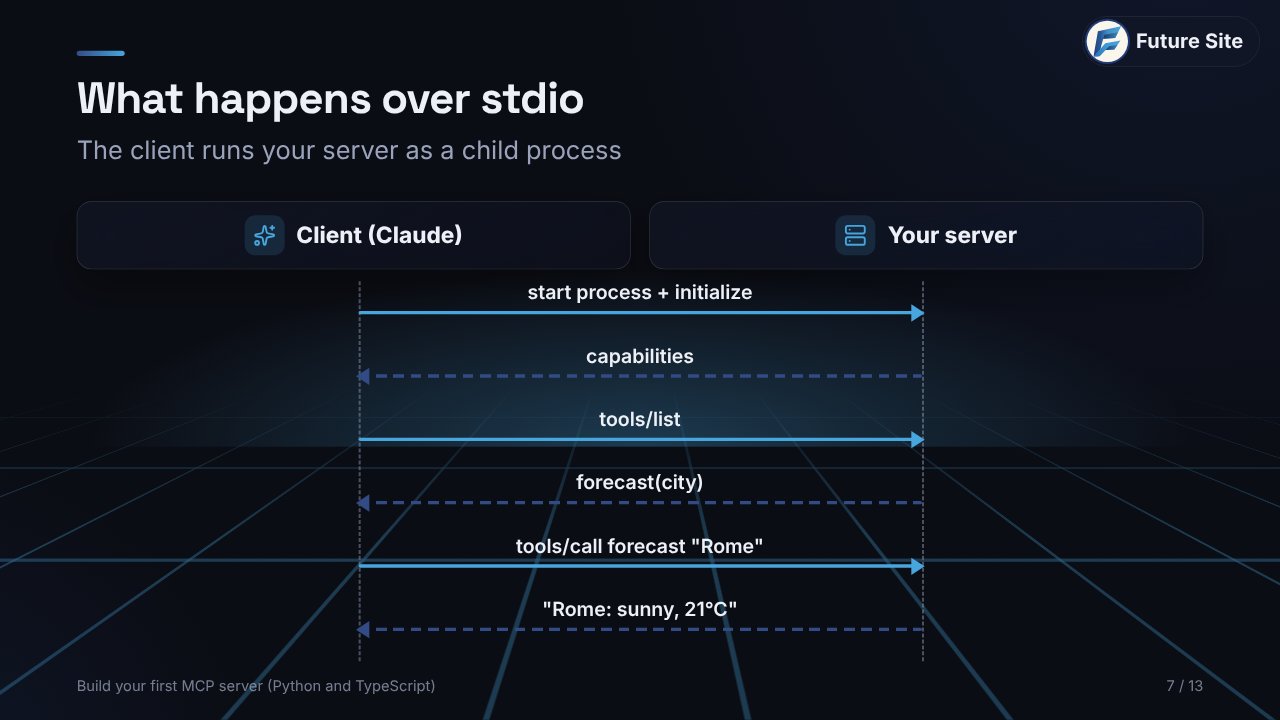
When Claude uses your server, the conversation looks like this:
- The client starts your server as a child process and sends
initialize. - The server answers with its capabilities.
- The client calls
tools/listand receivesforecastwith its schema. - When you ask about the weather, the model decides to use the tool and the client sends
tools/callwith{"city": "Rome"}. - Your function runs and its result flows back to the model.
The one rule of stdio
Because the protocol travels on stdout, anything else you write there breaks it. A single print("fetching...") puts plain text in the middle of the JSON stream, and the client gives up, often without a clear error. Log to stderr instead:
import sys
print("fetching forecast...", file=sys.stderr)
In Node, use console.error, never console.log.
Test it with the MCP Inspector
Before you let a model near it, test the server on its own with the MCP Inspector:
Python:
uv run fastmcp dev server.py
TypeScript:
npx tsc
npx @modelcontextprotocol/inspector node build/server.js
It opens in your browser, lists every tool, resource and prompt, lets you call a tool with your own inputs and shows every JSON message. If something fails in the Inspector, the bug is in your server, not in the AI.
Connect it to Claude
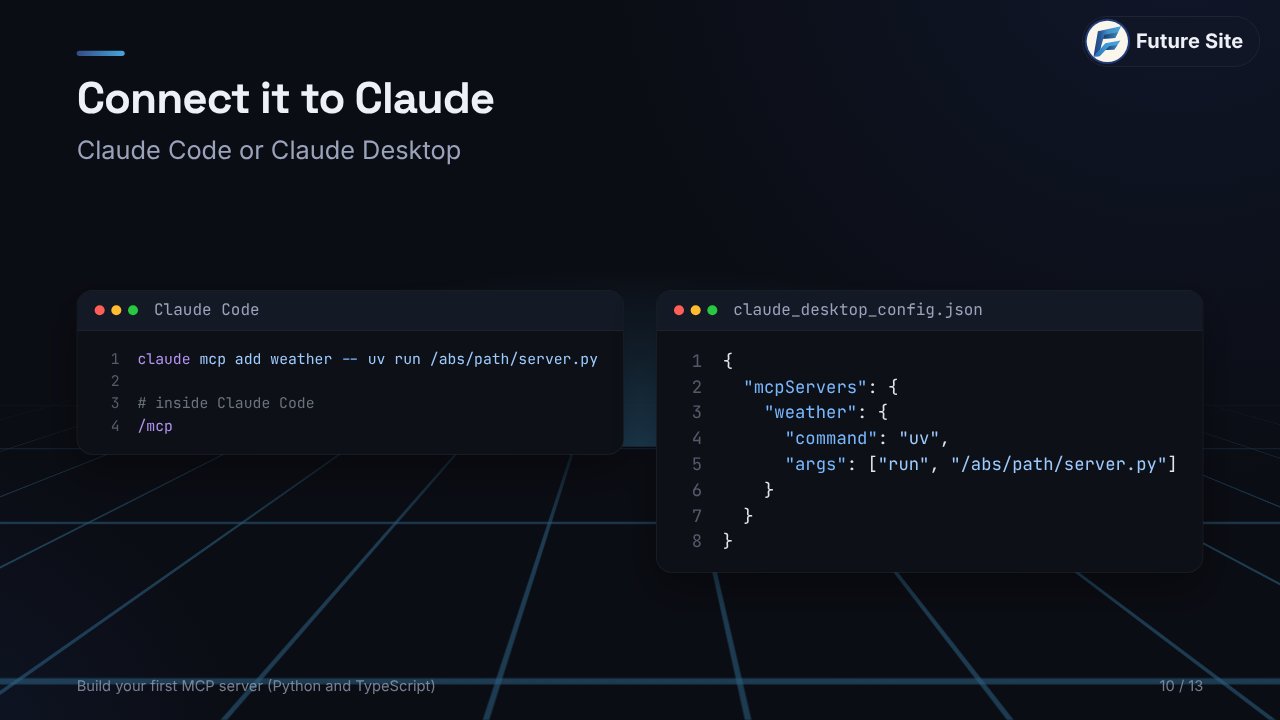
Claude Code needs one command: a name, then -- and the command that starts your server.
claude mcp add weather -- uv run /abs/path/server.py
Inside Claude Code, /mcp shows whether it is connected.
Claude Desktop reads a config file: open Settings → Developer → Edit Config and add:
{
  "mcpServers": {
    "weather": {
      "command": "uv",
      "args": ["run", "/abs/path/server.py"]
    }
  }
}
Use absolute paths (the app does not start in your project folder) and restart the app completely. Then just ask: "What's the weather in Rome tomorrow?" Claude asks for permission before running your tool, then answers with your data.
Add a resource
Tools are actions. Resources are context the app can read. A resource has a URI, only returns data, and the app or the user decides when to attach it to the conversation:
@mcp.resource("weather://cities")
def cities() -> str:
    """Cities we have forecasts for."""
    return "Rome, Milan, Naples, Turin"
In TypeScript the equivalent is server.registerResource(name, uri, metadata, handler).
Where to go next
- Real data: call a weather API inside
forecastinstead of returning a fixed string. - Remote server: switch to the Streamable HTTP transport and deploy it for your whole team.
- Security: validate inputs and limit what tools can touch (episode 4).
- MCP Apps: return interactive UI, not just text (episode 3).
Practice
- Which part of a FastMCP tool becomes its description?
- Your server works in the Inspector but Claude Desktop shows it as failed. Name two likely causes.
- Why does
print("debug")break a stdio server, and what should you use instead? - Tool or resource? (a) "Send a message to Slack", (b) "The list of supported cities".
- In
claude mcp add weather -- uv run server.py, what does everything after--mean?
Answers: 1. The docstring. 2. A relative path in the config, or the app was not fully restarted (also: a stray print to stdout; check the logs in ~/Library/Logs/Claude on a Mac). 3. stdout carries the protocol, so plain text corrupts the JSON stream; log to stderr. 4. (a) a tool, (b) a resource. 5. It is the command Claude Code runs to start your server.
Next
In episode 3 we look at MCP Apps and WebMCP: what happens when tools return real interfaces instead of text. The whole series is on the MCP Explained page.